
Add or edit your company logo
Upload your company logo so that it appears on your business documents and reports.
Add a logo of my company
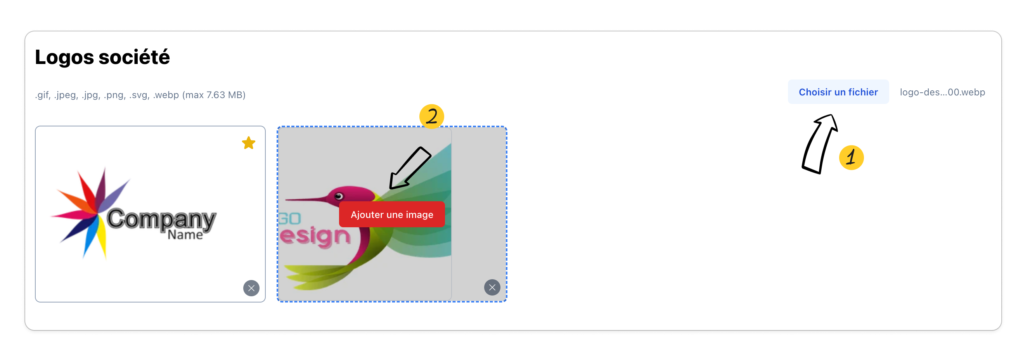
From Settings > My company > Logos click on the “choose a file” button to import your logo then click on “Add an image” from the preview of the imported logo
Choose my company logo as default logo
Click on the gold star to set the logo to be set as default.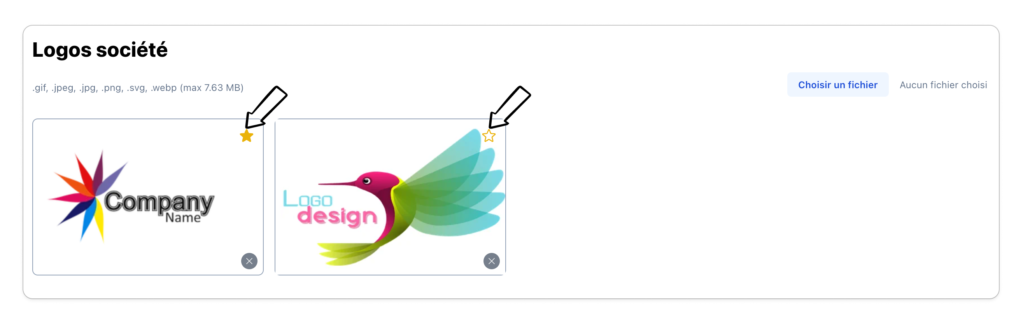
Once the logo modification is made, it will be operational on any new document created, if its display is activated in the document template management.
Logo download conditions
When adding your logo, it is recommended:
- Import it in .gif, .jpeg, .jpg, .png, .svg, .webp format
- Do not import a logo larger than 7.63 MB
- Choose a logo with a white background to be more visible on your documents
- Avoid long logos, resizing it may make it too small to display.
Delete a logo
Click on the cross at the bottom right of the image to delete.
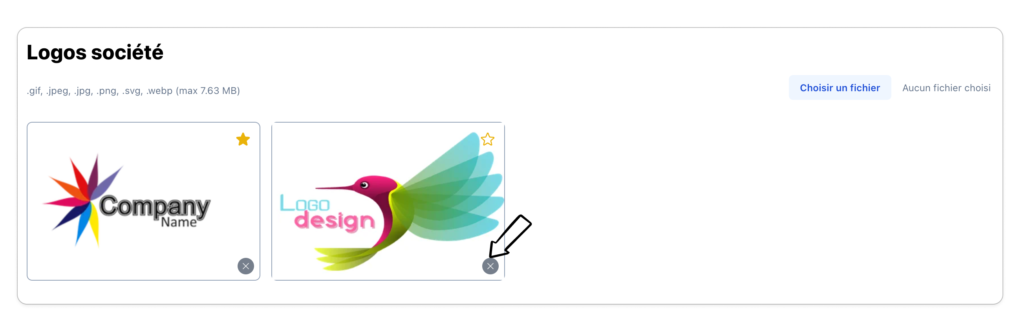
Deletion will only work on images that are not set to “Default”

